English
By Jisub Seo
14-year elementary teacher
The fanless MacBook Air M2 froze about once every two or three days once I ran coding and video editing together. I also had to send a school broadcast through OBS the next month, so I switched to a 2022 MacBook Pro M2 that still has a fan. A media-center officer I know was selling one he barely used.
The Air was fine for documents. Coding with several apps in the background, plus video playback or GoPro edits, is when the freezes started. I had not seen that on an older MacBook. The fanless body seemed to build heat and throttle under load. A long OBS stream needs a machine that stays up, so the Air was the wrong tool for that job.
Same M2 chip, different body:
- Display: Air M2 is 13.6 inches with a notch and a larger-feeling screen. Pro M2 is 13.3 inches, thicker bezel, no notch. The Air is a bit wider. The Pro is a full rectangle, which is cleaner for full-screen video.
- Keys: the Air feels shallow. The Pro is firmer and less tiring for long typing.
- Hinge: the Air opens lightly and shifts a little when you change the angle. The Pro hinge is heavier and stays put.
- Speakers: the Pro has more bass and space.
- Touch Bar: this is the last generation that still has one.
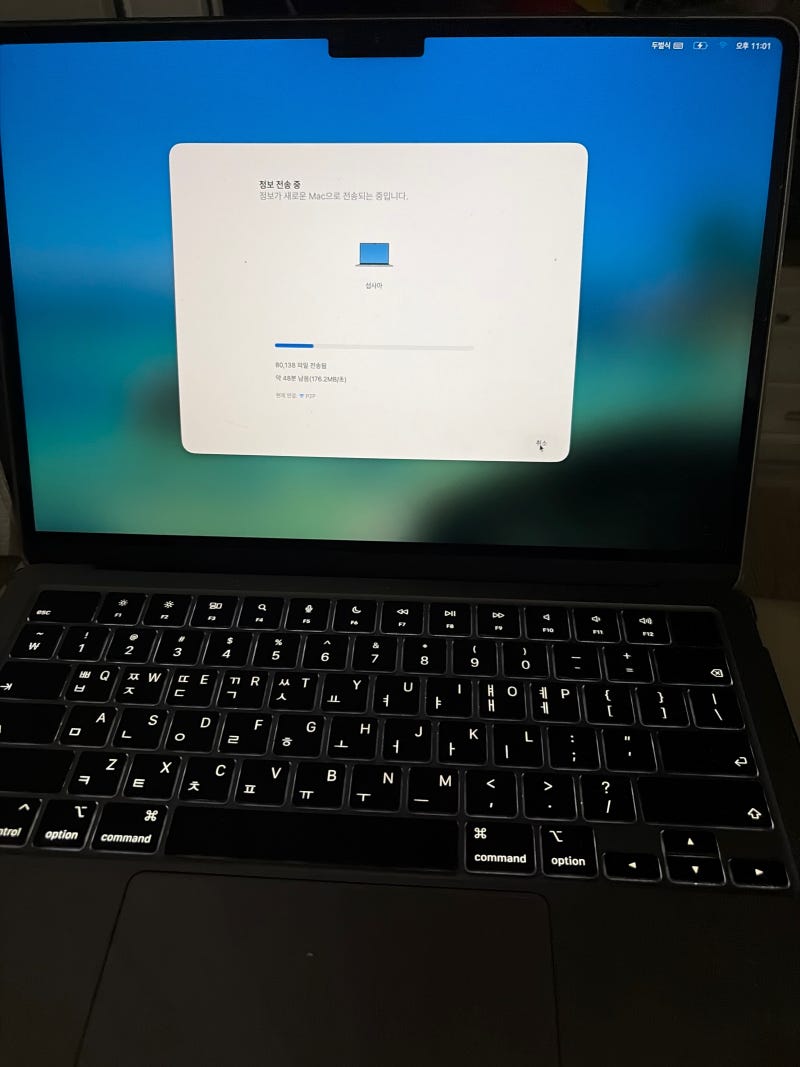
Migration Assistant moved the Air setup to the Pro over a cable or wireless link. Apps and the working setup came across.
In Korea, the Fair Trade Commission consumer-dispute standard sets a two-year warranty on a laptop mainboard. Official service treats a MacBook mainboard fault as free repair for those two years. The previous owner bought this one in July 2026, so mainboard coverage runs to July 2028. Impact and liquid damage are outside that.
If you want a light machine and a wider screen, keep the Air. I needed background multitasking, long renders, a live OBS feed, a fan, and a keyboard I can type on for hours. For that, the Pro M2 fit.
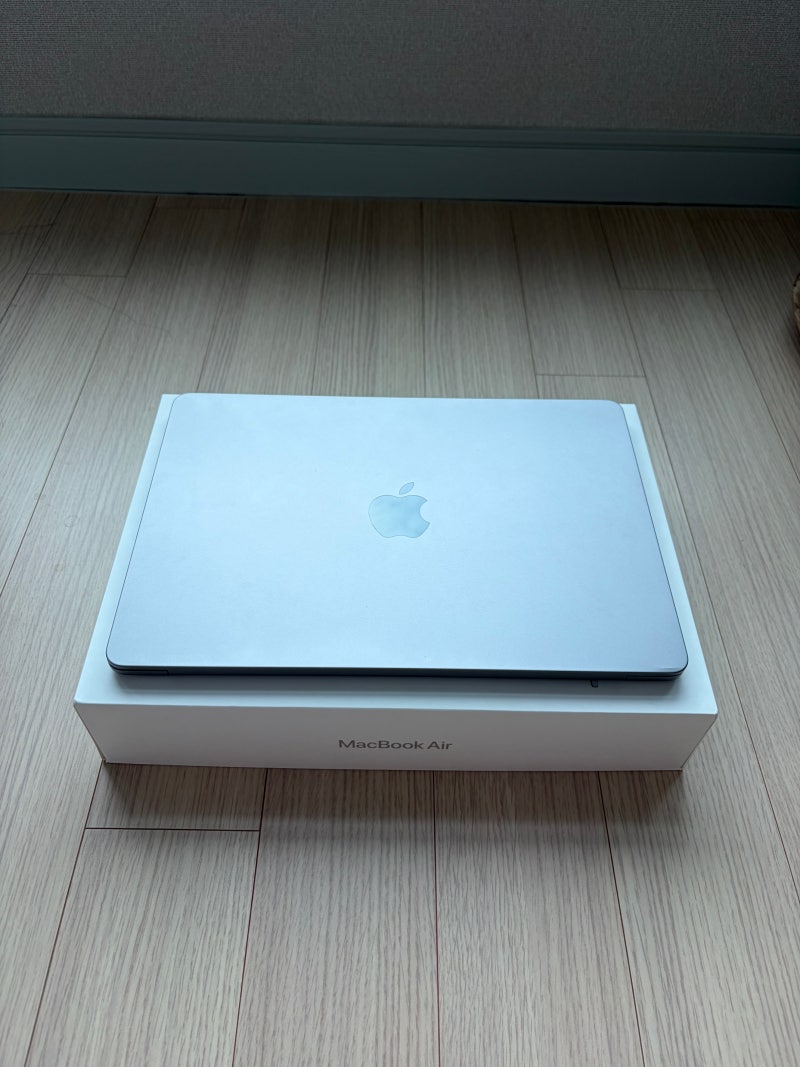
사진 묶음 / MacBook Air M2 → MacBook Pro M2
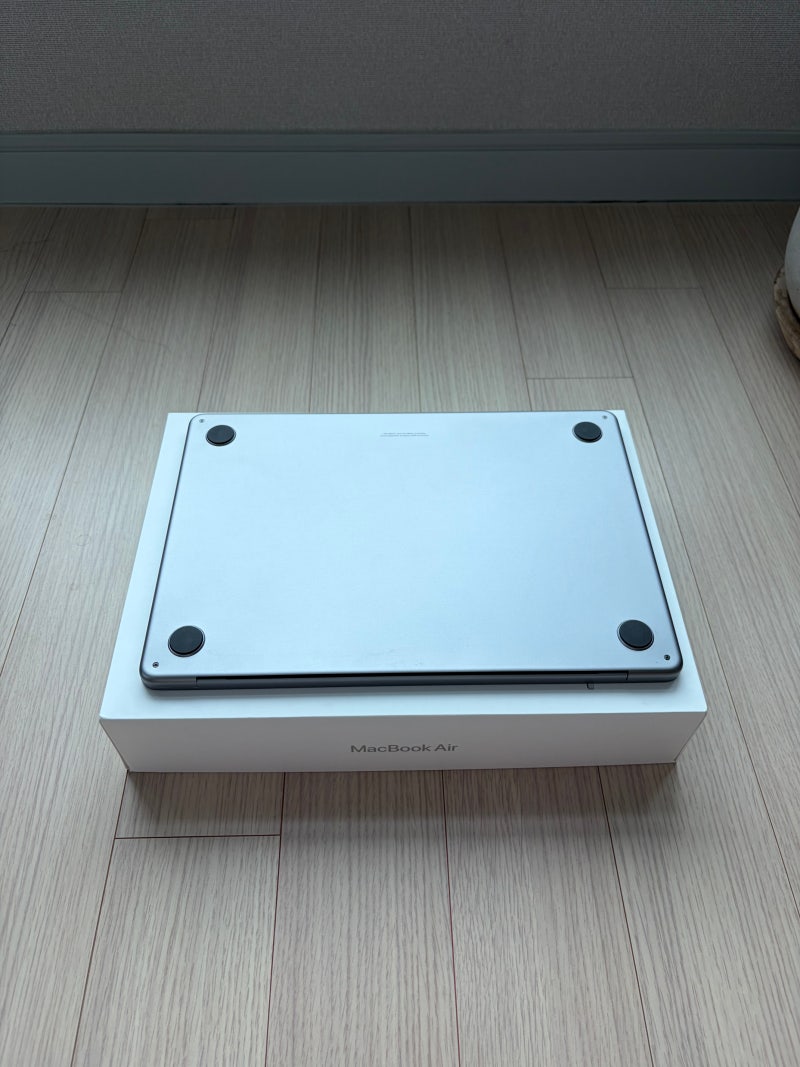
네이버 원문에 담긴 에어 M2를 보내기 전 모습, 프로 M2로 기변한 뒤의 모습, 마이그레이션과 사용 차이를 사진 한 묶음으로 정리했습니다. 팬리스 에어에서 프리징을 겪은 뒤 OBS 송출과 장시간 작업을 위해 팬이 있는 프로 M2를 선택한 기록입니다.
한글
서지섭
14년차 초등교사
팬 없는 맥북에어 M2에서 코딩과 영상 편집을 같이 두자 2~3일에 한 번 화면이 멈췄습니다. 다음 달 OBS로 학교 방송을 송출해야 해서, 팬 있는 맥북프로 M2(2022)로 바꿨습니다. 거의 안 쓴 기기를 정보원 미디어센터 주무관이 내놓아서 그걸로 기변했습니다.
에어는 문서만 할 때는 충분했습니다. 코딩을 하면서 프로그램을 여러 개 띄우고, 영상을 틀거나 고프로 영상을 편집하면 예전 맥북에서는 없던 프리징이 왔습니다. 팬이 없어 열이 쌓이고 고부하에서 쓰로틀링이 걸리는 것 같았습니다. 오래 송출해야 하는 OBS에는 팬리스 에어가 부담이었습니다.
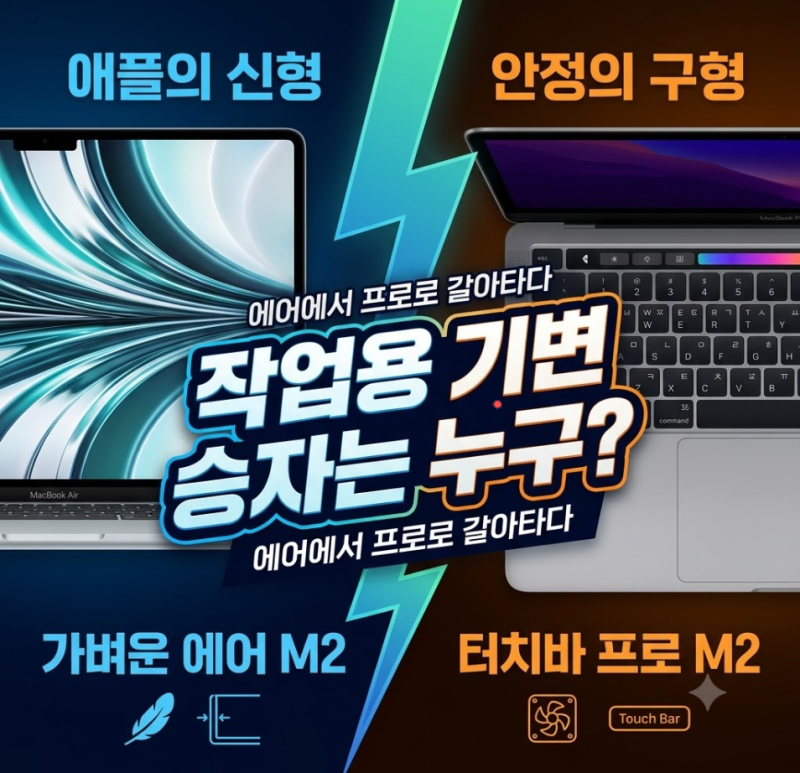
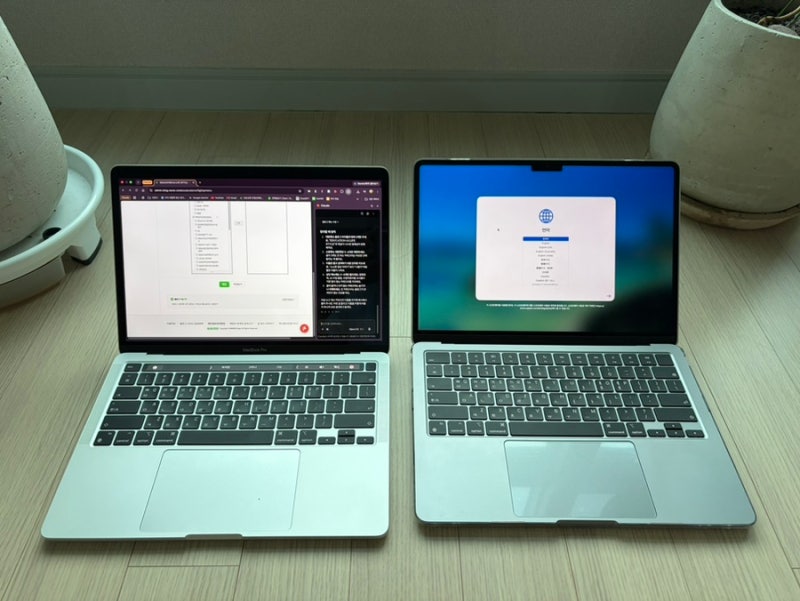
칩은 둘 다 M2입니다. 본체가 다릅니다.
- 화면: 에어 M2는 13.6인치, 노치가 있어 화면이 더 넓어 보입니다. 프로 M2는 13.3인치, 베젤이 두껍고 노치가 없습니다. 영상 전체화면은 직사각형인 프로가 덜 거슬립니다.
- 키감: 에어는 얕습니다. 프로는 더 쫀득하고, 오래 타이핑할 때 손이 덜 피곤합니다.
- 힌지: 에어는 가볍게 열리고 각도를 바꿀 때 살짝 흔들립니다. 프로는 힌지가 묵직합니다.
- 스피커: 프로가 저음과 공간감이 한 단계 위입니다.
- 터치바: 지금 라인업에서는 사라진, 터치바가 있던 마지막 세대입니다.
에어에서 프로로 마이그레이션 지원을 돌렸습니다. 케이블이나 무선으로 설정, 앱, 작업 환경이 넘어갑니다.
공정거래위원회 소비자분쟁해결기준에서 노트북 메인보드 품질보증기간은 2년입니다. 국내 공식 서비스센터는 맥북 메인보드 불량을 그 기간 무상 수리합니다. 전 주인이 2026년 7월에 산 기기라 메인보드 보증은 2028년 7월까지입니다. 외부 충격과 침수는 빠집니다.
가볍고 화면이 넓은 노트북이 필요하면 에어가 맞습니다. 저는 백그라운드 작업, 긴 렌더, OBS 송출, 팬, 오래 칠 수 있는 키보드가 필요해서 프로 M2로 갔습니다. 다음 달 학교 방송부터 이 기기를 메인으로 씁니다.
Leave a Reply